

Global forex and CFD broker known for low spreads, fast execution, and top-tier regulation.
FCA, ASIC, DFSA, BaFin, CMA, SCB
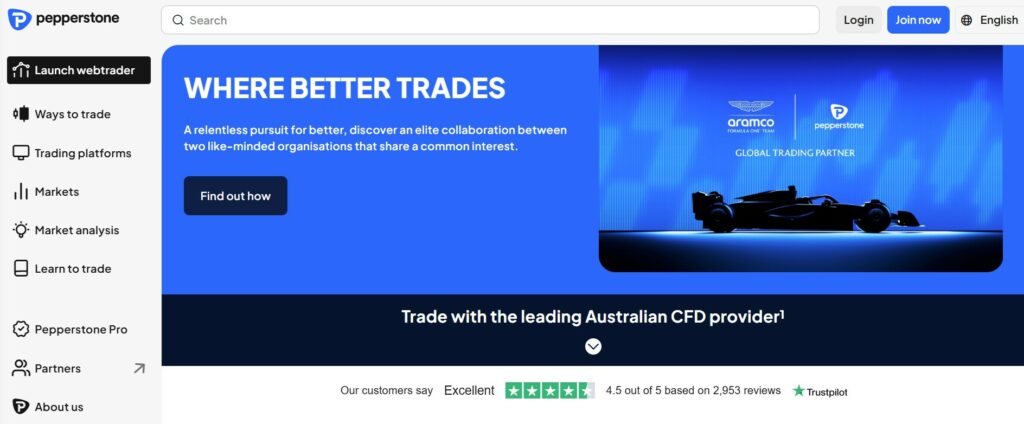
Pepperstone, founded in 2010 and headquartered in Melbourne, Australia, has established itself as a leading global forex and CFD broker. Serving over 400,000 clients across 150+ countries, it specializes in competitive pricing, fast execution, and a wide array of trading tools. As of 2025, Pepperstone continues to innovate with enhanced platform integrations and expanded asset offerings, making it a go-to choice for both novice and professional traders seeking reliability and efficiency.
Licensing, Regulation, and Safety Measures
Safety is a cornerstone of Pepperstone’s operations, with regulation from seven Tier-1 authorities ensuring robust investor protection. Key licenses include:
- ASIC (Australia): License No. 414530 – Enforces strict capital requirements and client fund segregation.
- FCA (UK): Reference No. 584882 – Provides up to £85,000 compensation via the Financial Services Compensation Scheme (FSCS).
- CySEC (Cyprus): License No. 388/20 – Offers investor compensation up to €20,000.
- SCB (Bahamas): License No. SIA-F217.
- CMA (Kenya): License No. 162.
- DFSA (UAE): License No. F004208.
Additional safeguards include segregated client funds in top-tier banks, negative balance protection, and SSL encryption with two-factor authentication (2FA). No major regulatory violations have been reported in 2025, reinforcing its reputation as a low-risk broker.
How to Download and Install the Pepperstone Trading Platforms
Pepperstone supports industry-leading platforms, all free:
- MetaTrader 4/5 (MT4/MT5): Download from pepperstone.com/en/forex-trading-platforms (Windows/Mac) or app stores (iOS/Android). Install by running the .exe file, log in with credentials, and customize EAs/plugins.
- cTrader: Similar download process; excels in advanced charting and algo trading.
- TradingView: Direct integration—no separate install; access via Client Area.
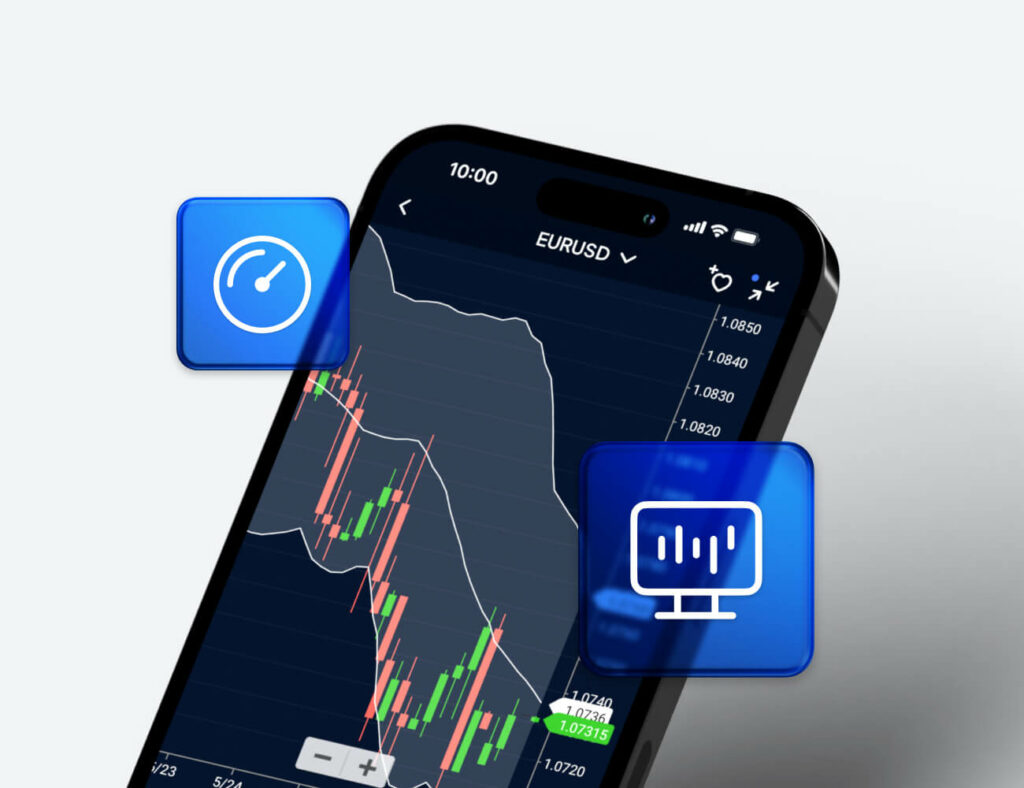
- Pepperstone App: Available on iOS/Android for mobile trading.
Setup takes <5 minutes, with demo modes for testing. 2025 updates include enhanced AI tools like Capitalise.ai for code-free automation.
Getting Started – How to Open an Account
Opening an account is straightforward and takes minutes:
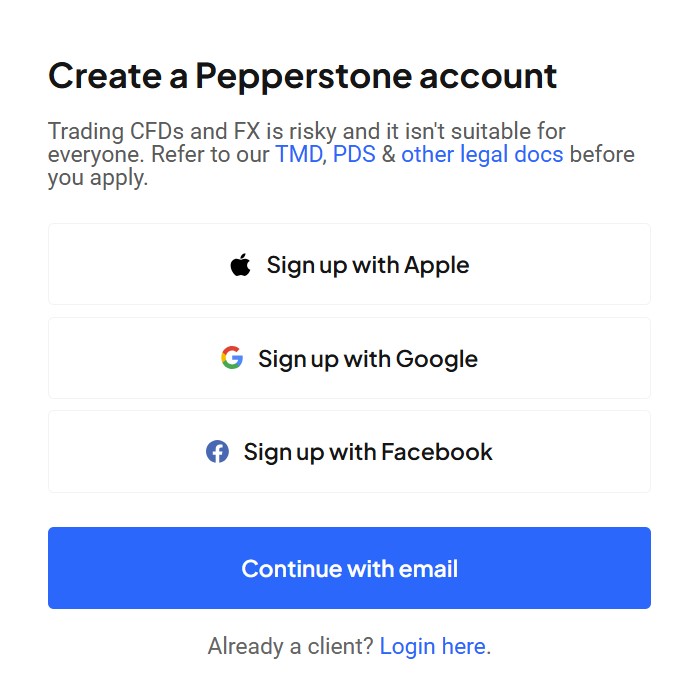
- Visit pepperstone.com and click “Open an Account.”
- Select your region, account type (Standard, Razor, or Islamic), and base currency.
- Provide personal details: name, email, phone, and employment info.
- Agree to terms and submit; you’ll receive an email confirmation.
- Fund your account to activate trading—no minimum deposit required.
Demo accounts are available for risk-free practice. The process is digital and compliant with global standards, with approvals often instant for basic setups.
Logging In and Managing Your Profile
Access your account via the secure Client Area at pepperstone.com/en/client-area/login. Use your email and password, enhanced by 2FA for added security. The dashboard provides:
- Real-time balance and equity tracking.
- Position and order management.
- Profile updates for contact details, leverage adjustments, and notifications.
- Integration with mobile apps for iOS/Android.
Profile management is intuitive, allowing quick changes to trading preferences or linked payment methods. Recent X users note the platform’s ease for on-the-go monitoring, with one trader preferring Pepperstone for “less manipulation” in candle timings compared to competitors.
Identity Verification and Security Steps
KYC verification is mandatory for withdrawals and full access:
- Upload a government-issued ID (passport/driver’s license).
- Submit proof of address (utility bill/bank statement, <3 months old).
- Processing: 24–48 hours, with status updates via email.
Security features include cold storage for funds, IP whitelisting, and session timeouts. Pepperstone’s AML compliance ensures transparency, and in 2025, no data breaches have been reported, contributing to its high trust scores.
Account Types, Spreads, and Trading Conditions
Pepperstone offers flexible accounts suited to various strategies:
| Account Type | Spreads (EUR/USD Avg.) | Commission | Min. Deposit | Leverage (Retail) | Best For |
|---|---|---|---|---|---|
| Standard | From 1.0 pip (variable) | None | $0 | Up to 1:30 | Beginners, low-volume traders |
| Razor | From 0.0 pip (raw) | $3.50/lot/side ($7 round-turn) | $0 | Up to 1:30 | Scalpers, high-frequency traders |
| Islamic (Swap-Free) | Same as Standard/Razor | None (or as Razor) | $0 | Up to 1:30 | Sharia-compliant trading |
All accounts feature negative balance protection and execution speeds under 30ms. In 2025, Razor accounts remain competitive, with total costs for EUR/USD round-turns around $9 (vs. $10+ on Standard), outperforming peers like IC Markets in rebates for active traders. Swap rates are transparent and viewable in-platform, varying by instrument.
Market Access and Available Instruments
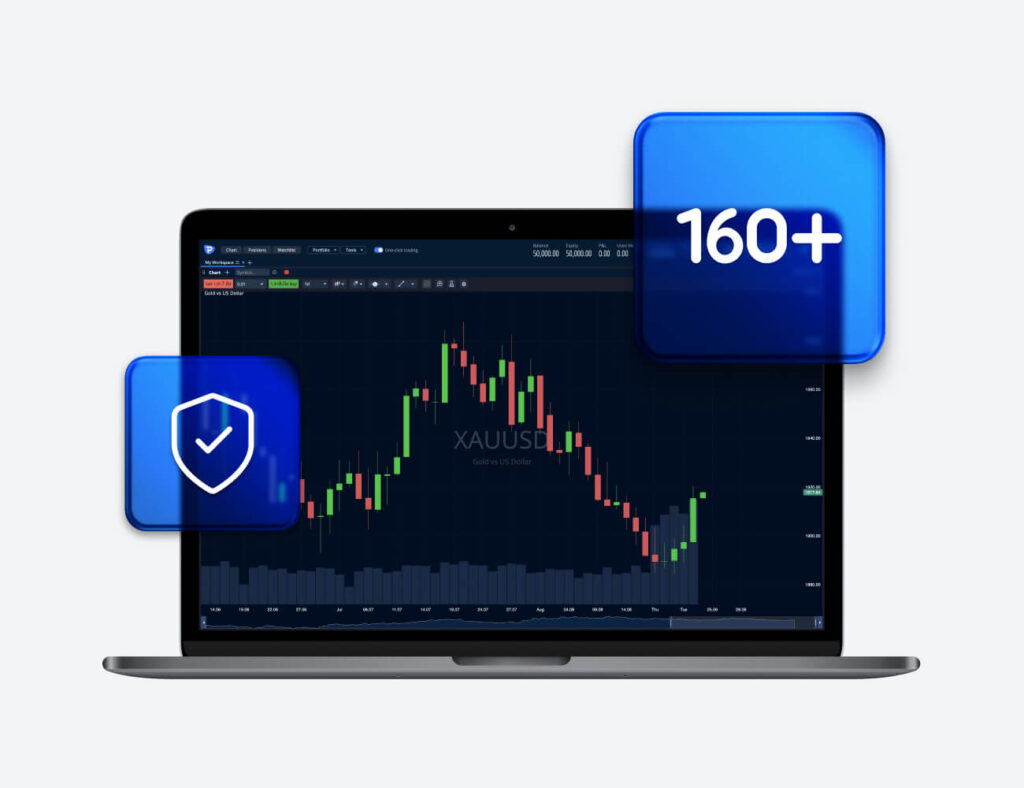
Access 1,200+ instruments 24/5:
- Forex: 90+ pairs (majors like EUR/USD from 0.0 pips).
- Indices CFDs: 20+ (S&P 500, FTSE 100).
- Commodities: Metals (gold/silver), energies (oil), softs (coffee).
- Crypto CFDs: BTC, ETH (regulated regions only).
- Shares/ETFs: 1,000+ global stocks (e.g., Apple) and ETFs.
Multi-asset trading is seamless across platforms, with Reuters news feeds for real-time insights.
Deposits, Withdrawals, and Supported Payment Methods
Funding is fee-free from Pepperstone:
- Deposits: Bank wire, Visa/Mastercard, PayPal, Skrill, Neteller, UnionPay (instant for e-wallets).
- Withdrawals: Same methods; 1–5 days for wires, <24 hours for e-wallets.
- Currencies: USD, EUR, AUD, etc.; no minimums.
Third-party fees may apply, but processing is swift and secure. Users on X praise the “fast deposits and withdrawals.”
Learning Hub and Research Tools
The Education Hub offers free resources:
- Webinars, eBooks, and tutorials on strategies/risk management.
- Daily analysis, economic calendars, and Reuters news.
- Tools: Autochartist, sentiment indicators, and demo accounts.
Beginners appreciate the structured content, while pros value the integrated research—rated “top-tier” in 2025 comparisons.
Customer Support and User Experience
Support is 24/5 via:
- Live chat (instant).
- Email ([email protected]; <24 hours).
- Phone (regional lines, e.g., +61 3 9020 0157).
- Multilingual FAQ/Help Center.
UX is lauded for intuitive interfaces and minimal slippage, though some FPA users report isolated issues (e.g., one 2025 complaint on trust removal). Overall, Trustpilot averages 4.5/5, with X feedback positive on execution.
Conclusion – Why Traders Choose Pepperstone
Traders flock to Pepperstone for its ultra-competitive spreads (0.0 pips on Razor), multi-regulator safety, and versatile platforms—ideal for scalpers to swing traders. In 2025, it shines in execution speed and education, earning “best MetaTrader broker” nods from Investopedia. Drawbacks are minor (e.g., limited bonuses), but pros like low costs and reliability dominate. If you prioritize efficiency and trust, Pepperstone is a standout—start with a demo to experience it firsthand.