

Global online broker offering fast, secure, and flexible trading across forex, stocks, and CFDs
The Financial Services Commission (FSC)
RoboForex is a globally recognized online broker established in 2009 and headquartered in Belize. It provides traders with access to multiple financial markets including forex, stocks, indices, ETFs, and cryptocurrencies. The company is known for its fast execution, tight spreads, and a wide range of account types that suit both beginners and professionals.
Regulation and Fund Protection
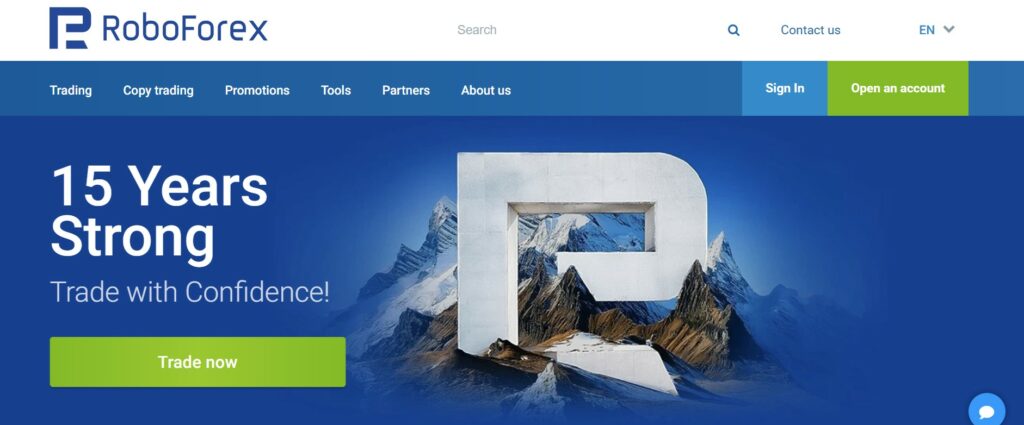
RoboForex is regulated by the International Financial Services Commission (IFSC) of Belize under license number 000138/210. This ensures that the broker follows international financial standards and operates transparently.
All client funds are stored in segregated bank accounts, separate from company assets, ensuring maximum safety. RoboForex also offers negative balance protection, meaning traders can never lose more money than they deposit. Additionally, the broker is a member of the Financial Commission, providing compensation coverage up to €20,000 per client in case of disputes.
How to Register an Account on RoboForex
The registration process on RoboForex is simple and takes only a few minutes:
- Visit the official RoboForex website.
- Click “Open an Account” on the homepage.
- Fill out the registration form with your personal details and preferred trading platform.
- Confirm your email address.
- Log in to your personal area to access account settings and deposits.
After registration, you can choose your account type, trading platform, and currency before making your first deposit.
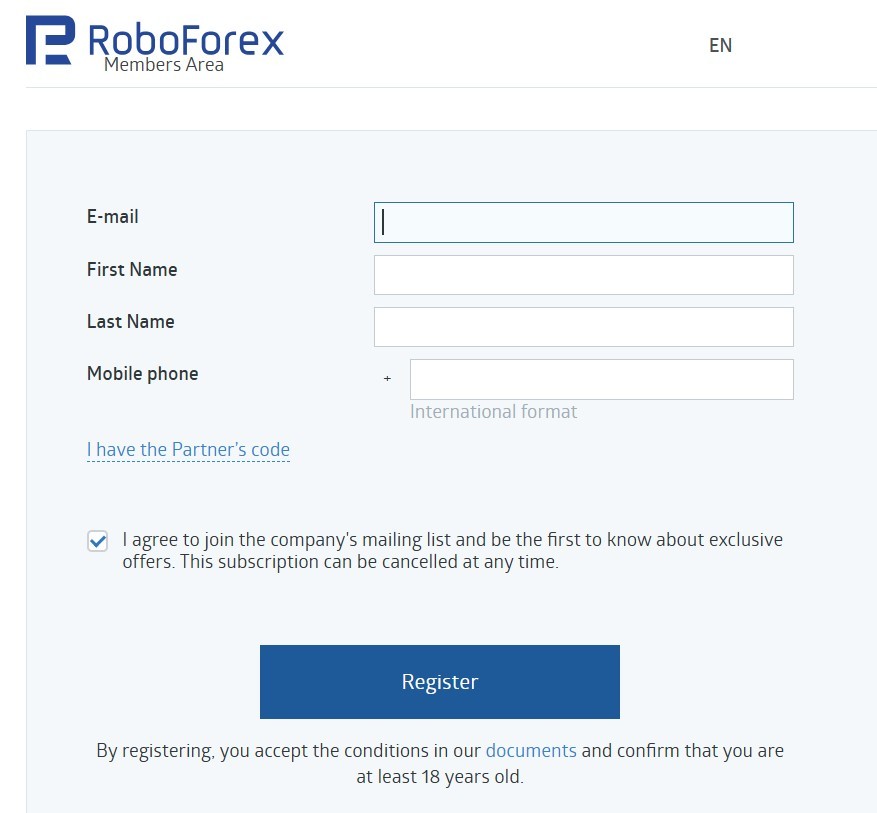
RoboForex Login and Personal Dashboard
To log in, go to the RoboForex Client Area via the main website. Enter your registered email and password. Once logged in, you can manage trading accounts, deposit or withdraw funds, view trading statistics, and download platforms.
The Personal Dashboard is intuitive, supporting real-time balance tracking, account management, and access to support or promotions. Two-factor authentication (2FA) is also available for added account security.
Account Verification (KYC) Explained
RoboForex follows international KYC (Know Your Customer) standards to ensure safe trading. Verification includes two steps:
- Identity Verification: Upload a valid ID card or passport.
- Address Verification: Provide proof of residence, such as a recent utility bill or bank statement.
Once submitted, verification usually takes 24 hours. Verified accounts gain access to all financial operations, including withdrawals and higher account limits.
RoboForex Account Types and Trading Conditions
RoboForex offers several account types designed for different trading styles:
- ProCent: For beginners using small trade volumes.
- Pro: The most popular option, with floating spreads and leverage up to 1:2000.
- ECN: Designed for experienced traders seeking market execution and low spreads.
- Prime: Offers institutional-grade conditions for professionals.
- R StocksTrader Account: For trading stocks and CFDs on global exchanges.
All accounts support tight spreads, fast execution, and multiple base currencies, including USD, EUR, and BTC.
Trading Platforms Offered by RoboForex
Desktop and WebTrader Platforms
RoboForex provides access to MetaTrader 4 (MT4), MetaTrader 5 (MT5), cTrader, and R StocksTrader — powerful platforms for every type of trader.
Download and Installation Process:
Windows:
- Go to the official RoboForex website.
- Choose your platform (MT4, MT5, cTrader, or R StocksTrader).
- Download the
.exefile and run the installer. - Follow on-screen instructions and log in using your RoboForex credentials.
macOS:
- Download the macOS-compatible installer (.dmg file).
- Drag the application to the “Applications” folder.
- Launch the program and sign in.
Note: RoboForex also provides Wine or CrossOver solutions for older macOS versions.
Linux:
- Install Wine or PlayOnLinux.
- Download the Windows version of the platform.
- Run the installer through Wine.
- Launch the terminal via Wine and log in.
The WebTrader version of R StocksTrader allows trading directly from your browser without installation and supports all major browsers like Chrome, Firefox, and Safari.
RoboForex Mobile App
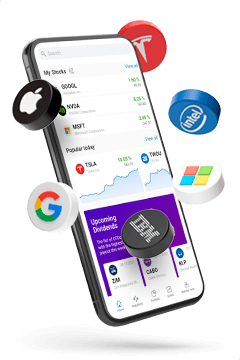
RoboForex mobile trading is available through MT4, MT5, cTrader, and R StocksTrader apps, offering full functionality for managing trades on the go.
Installation Guide:
Android:
- Open Google Play Store.
- Search for “MetaTrader 4”, “MetaTrader 5”, or “R StocksTrader”.
- Download and install the app.
- Open the app, select “RoboForex” from the broker list, and log in.
iOS (iPhone/iPad):
- Go to the App Store.
- Search for the trading platform you prefer (MT4, MT5, or R StocksTrader).
- Tap Download, then install.
- Open the app and log in with your RoboForex account details.
The mobile apps support full charting, technical indicators, order management, and live trading — ensuring flexibility and convenience for active traders.
Markets and Instruments Available for Trading
RoboForex gives access to over 12,000 trading instruments across multiple markets:
- Forex: 40+ currency pairs
- Stocks: CFDs on U.S., European, and Asian shares
- Indices: Major global indices like NASDAQ, Dow Jones, and DAX
- Commodities: Metals, oil, and agricultural products
- Cryptocurrencies: BTC, ETH, and other popular coins
This wide range allows traders to diversify portfolios and take advantage of various market conditions.
Payment Methods: Deposits and Withdrawals
RoboForex supports more than 20 payment systems, including Visa, Mastercard, Skrill, Neteller, Perfect Money, AdvCash, and bank transfers.
- Deposits: Processed instantly with no internal fees.
- Withdrawals: Usually completed within 1 business day.
- Base Currencies: USD, EUR, BTC, and others.
RoboForex often covers transaction fees, providing additional value for clients making frequent transfers.
RoboForex Bonuses and Promotional Offers
The broker offers several attractive bonuses:
- Welcome Bonus: For new clients upon first deposit.
- Deposit Bonus: Up to 120% on deposit amounts.
- Profit Share Bonus: Additional funds added to your balance based on trading volume.
- Cashback Program: Earn rebates for every traded lot.
Promotions vary by region, and the latest offers are always listed on the RoboForex website.
Education Center and Market Analysis Tools
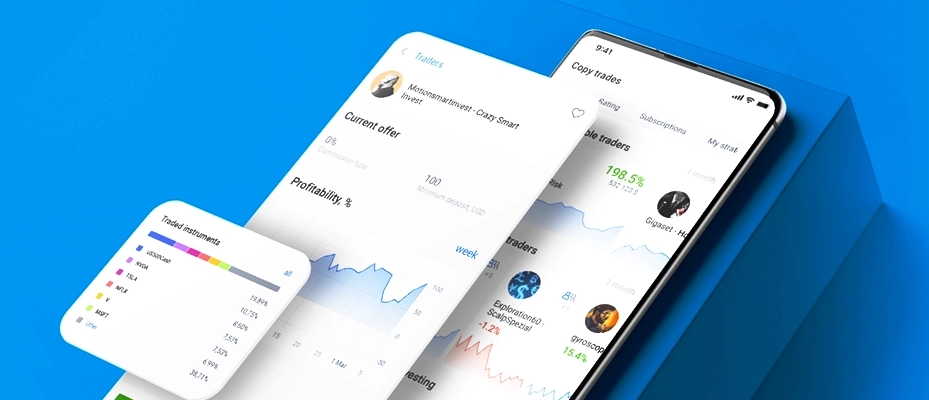
RoboForex provides extensive educational content for traders of all levels, including:
- Video tutorials on MT4/MT5 usage
- Webinars and live sessions with analysts
- Daily market forecasts and insights
- Trading calculators and VPS hosting for automated strategies
The Analytics Center offers professional tools like economic calendars, trading signals, and in-depth market analysis.
RoboForex Customer Support Services
RoboForex provides multilingual customer support 24/7 through live chat, email, and phone. The support team is fast and efficient, helping with technical issues, account setup, or financial questions.
Additionally, the Help Center on the website includes detailed FAQs and guides for common trading topics.
Conclusion – Is RoboForex Worth It?
RoboForex is a reliable, regulated, and technology-driven broker offering excellent trading conditions, multiple platforms, and strong fund protection. With its wide range of instruments, educational resources, and fast execution, RoboForex remains a top choice for traders seeking flexibility and transparency in global markets.